Microsoft Office 365 Enterprise Kya Hai

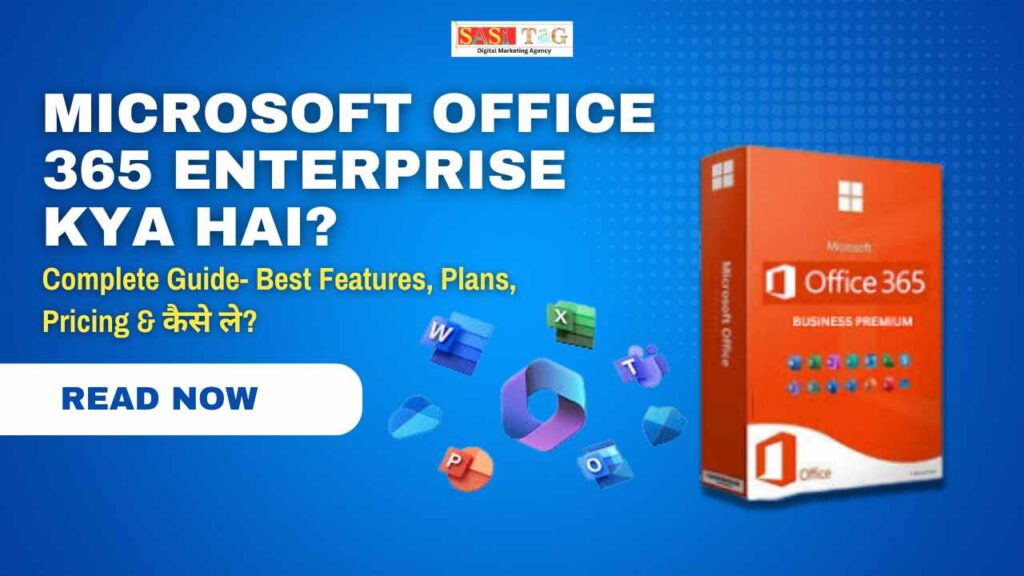
Microsoft Office 365 Enterprise Kya Hai? Complete Guide- Best Features, Plans, Pricing & कैसे ले?

Microsoft Office 365 Enterprise Kya Hai? Complete Guide- Best Features, Plans, Pricing & कैसे ले?

Microsoft Office 365 Enterprise Kya Hai

आज के समय में Business दुनिया इतनी तेजी से बदल रही है कि हर Company को अपनी Team, Data और Daily Work को पहले से तेज़ और ज्यादा Smart तरीके से Manage करना पड़ता है! Competition इतना बढ़ चुका है कि अगर Tools और System Smart नहीं हैं, तो Productivity आधी रह जाती है! खासकर जब Teams अलग-अलग Cities में हों, Work From Home चल रहा हो, Meetings, Emails, Files, Security सब एक साथ संभालना पड़े तब एक Reliable, Powerful और Secure Platform की असली जरूरत महसूस होती है!

Table of Contents

इसी जगह पर Microsoft Office 365 Enterprise आज के समय का सबसे मजबूत और All-in-One समाधान बन चुका है! Simple Word, Excel, PowerPoint वाला पुराना Office अब कहीं पीछे रह गया है… आज Businesses को चाहिए ऐसा System जो Communication तेज़ करे, Data सुरक्षित रखे, और Team को Real-Time में जोड़कर रखे और Office 365 Enterprise यही सब करता है!

सच कहें तो, अब काम सिर्फ “File बनाना” नहीं रह गया है, काम है Faster Decision लेना, Team को Connected रखना, Data को Smart तरीके से Manage करना और Company को Growth की तरफ ले जाना! Office 365 Enterprise का पूरा सेटअप इसी Purpose से बनाया गया है ताकि आप सिर्फ काम पर Focus कर सकें और बाकी Technology आपके लिए Background में सब संभाल ले!

#Microsoft Office 365 Enterprise क्या है?

Microsoft Office 365 Enterprise असल में एक Cloud-Based Business Platform है जिसमें आपकी Company के Emails, Files, Meetings, Documents और पूरी Team का काम एक ही जगह से चलता है! पहले वाला normal Office सिर्फ Word–Excel तक सीमित था, लेकिन Enterprise Version पूरी Company के लिए एक Professional Digital Workspace बना देता है जहाँ सब कुछ Online, Connected और सुरक्षित रहता है!

इसका सबसे बड़ा फायदा यह है कि आपकी Team चाहे किसी भी जगह हो, Laptop बदल ले या Mobile से Access करे, सारा Data Cloud पर Auto Sync रहता है! ऊपर से Microsoft के AI Tools और Enterprise Security इसे और भी Powerful बना देते हैं, ताकि काम Fast भी चले और Data Safe भी रहे!

#Microsoft Office 365 Enterprise कैसे काम करता है?

इसका तरीका simple है आपकी Company के हर Employee को एक Official Microsoft Account मिलता है, और उसी एक Account से वह Outlook Email, Teams, OneDrive, Word, Excel, PowerPoint और बाकी सब tools चला सकता है! सारे Documents Cloud पर Auto Save होते हैं और Team एक ही File पर Real-Time में साथ काम कर सकती है!

Backend में Microsoft की Strong Security System चलता है जो Data को Encrypt करता है, Threats से बचाता है और Access को Control करता है! मतलब आप कहीं से भी काम करो, Meetings करो, Files Share करो सब Smooth और Secure तरीके से चलता है, बिना किसी technical tension के!

  • All
  • Admin Panel
  • for User
  • Gateway

#Office 365 Enterprise के सबसे Powerful Features

अब बात करते हैं उन Features की जिनकी वजह से ये आज इतना Popular है! मैं इन्हें ऐसे explain कर रहा हूँ जैसे normal आदमी भी सहज समझ जाए:

1. Teams– एक जगह Communication + Meetings + Chats

आज हर कंपनी की जान है Communication.
Teams में आप Video Meetings कर सकते हैं, अपनी पूरी Team से Chat कर सकते हैं, Files Share कर सकते हैं, Channels में Projects Divide कर सकते हैं!
मतलब Slack + Zoom + WhatsApp सबका combo एक ही App में!

2. Word, Excel, PowerPoint Real-Time Cloud Version

अब File Email में भेजने की जरूरत नहीं!
Team एक ही समय में एक ही File पर Live काम कर सकती है! Changes Auto-Save होते हैं! किसने क्या Edit किया सब रिकॉर्ड होता है!

3. OneDrive– Ultra Secure Cloud Storage

हर Employee को 1 TB Storage मिलती है! Data कहीं से भी Access कर सकते हो! Auto Backup सबसे बड़ा फायदा, Data कभी खोता नहीं!

4. Outlook– Professional Email System

Normal Gmail जैसा नहीं, ये Business-Class Email है जिसमें Security, Filters, Scheduling और AI Features सब मिलते हैं!

5. SharePoint– Company का पूरा Data एक जगह

सारी Files, Projects, Documents सब एक Central जगह Store रहते हैं! Access Control से तय कर सकते हो कि किसे क्या दिखेगा!

6. Security Features– Enterprise Grade Protection

Cyber Attacks से Company Data बचाने के लिए इसमें:

  • Multi-Factor Authentication
  • Data Encryption
  • Threat Protection
  • Device Management सब मिलता है!

ये चीज़ Normal Office Plans में नहीं मिलती!

7. AI Integration Everywhere

Word में Auto Writing, Excel में Smart Formulas, Outlook में Email Suggestions, Teams में Smart Meeting Notes.

AI का सबसे ज्यादा फायदा यही है कि रोज़ के घंटे बच जाते हैं!

#Office 365 Enterprise किन लोगों के लिए सबसे ज्यादा Useful है?

अगर सच बताऊँ, तो ये सिर्फ बड़ी Companies के लिए नहीं है! आज इसे ये सब लोग Use कर रहे हैं:

  • Small Businesses (10–20 Employees)
  • Medium Companies
  • Startups
  • Agencies
  • IT Companies
  • Schools / Institutes
  • Corporate Teams
  • Remote Working Teams

अगर किसी Team को रोज़ Emails, Files, Meetings, Sharing, Documentation से गुज़रना पड़ता है तो Office 365 Enterprise उनके लिए बेस्ट है!

#Office 365 Enterprise लेते समय किन बातों का ध्यान रखना चाहिए?

  1. किस plan में आपको Desktop Apps चाहिए?
  2. Company की team size क्या है?
  3. Storage कितनी जरूरी है?
  4. Security requirement high है या normal?
  5. Support किस seller से मिल रहा है?

इन सबको देखकर plan select करना चाहिए!

#Pricing & Plans

  1. Microsoft के Enterprise Plans में आमतौर पर ये options आते हैं:

    • E1 Plan – Basic Cloud Office + Teams

    सबसे सस्ता plan Remote work वाली companies इसे ज्यादा लेती हैं!

    • E3 Plan – Complete Office Apps + Strong Security

    ये सबसे Popular है क्योंकि इसमें Desktop Apps भी मिलते हैं!

    • E5 Plan – Maximum Security + Extra Tools

    Cyber security heavy companies इसका use करती हैं!

    Normal में इसकी Pricing international $ में होती है, लेकिन India में कुछ Sellers इसे काफी Affordable rate में देते हैं!

#Office 365 Enterprise का Best Affordable Option – Sasi Tag Digital का Lifetime Access Plan

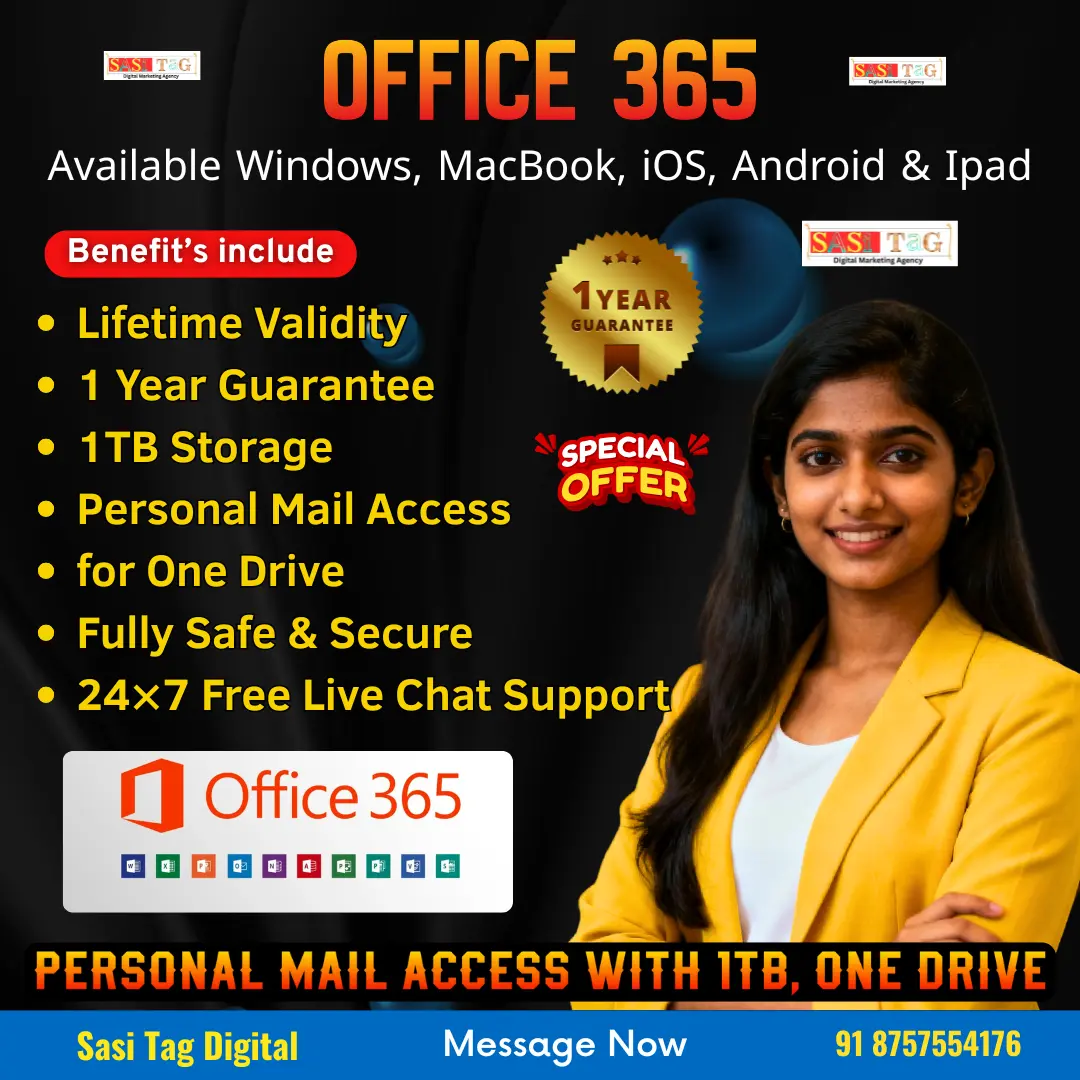
अगर आप Office 365 Enterprise को बिना हर महीने पैसे दिए इस्तेमाल करना चाहते हैं, तो Sasi Tag Digital का Lifetime Access Plan काफी अच्छा और Budget-Friendly Option है! Normal में इस तरह के Enterprise Accounts काफी महंगे पड़ते हैं, लेकिन यहाँ आपको सिर्फ ₹2,200 की बजाय ₹990 में पूरा Lifetime Access मिल जाता है यानी एक बार Payment, और हमेशा के लिए Access!

इस Plan में 1TB OneDrive Storage, Personal Mail Access, One-Time Setup, और 1-Year Guarantee मिलती है, जो इसे Small Businesses, Students, Freelancers और Regular Users के लिए एक Strong Value Deal बना देता है! साथ ही यह 100% Original License है और Sasi Tag Digital की तरफ से 24×7 Free Live Support भी मिलता है ताकि किसी भी समय मदद की ज़रूरत पड़े तो आपको इंतज़ार न करना पड़े!

#Real-World Examples

  • एक Digital Marketing Agency

Clients की Files, Videos, Reports सब OneDrive पर!
Team बैठकर एक ही PPT पर work करती है!
Client Meeting Teams पर!
Productivity double!

  • एक Startup

Founders अलग शहर, Team अलग!
लेकिन SharePoint पर सब data एक जगह!
Decision तेज़!
Emails professional!
Zero data loss!

  • एक School / Institute

Teachers Notes online share करते हैं!
Students को assignments on time मिलते हैं!
Meetings Teams पर!
Pure digital workflow!

#Conclusion

अगर आपका काम रोज़ Emails, Files, Meetings, Documents और Team Collaboration पर चलता है, तो Office 365 Enterprise आपकी Working Life सच में बहुत आसान बना देता है! आज Business सिर्फ मेहनत से नहीं चलता है सही Tools से चलता है, और यह Platform आपकी Team को Fast, Smart और Connected रखकर पूरा Workflow smooth कर देता है! Cloud की वजह से Data Safe रहता है और AI Features की वजह से रोज़ का काम आधा समय में निपट जाता है!

अगर आप अपनी Company को Next Level पर ले जाना चाहते हैं और एक ऐसा System चाहते हैं जो लंबे समय तक Reliable रहे, तो Office 365 Enterprise एक मजबूत और Future-Proof Option है! चाहे Team छोटी हो या बड़ी, यह Platform हर Business को Professional, Organized और Efficient बनाने में बड़ी मदद करता है!

  • All Posts
  • Earning Tips
  • Panel Guide
Load More

End of Content.

Leave a Comment

Your email address will not be published. Required fields are marked *

Shopping Cart
Instagram
Phone
WhatsApp
WhatsApp
Phone
Instagram
Scroll to Top